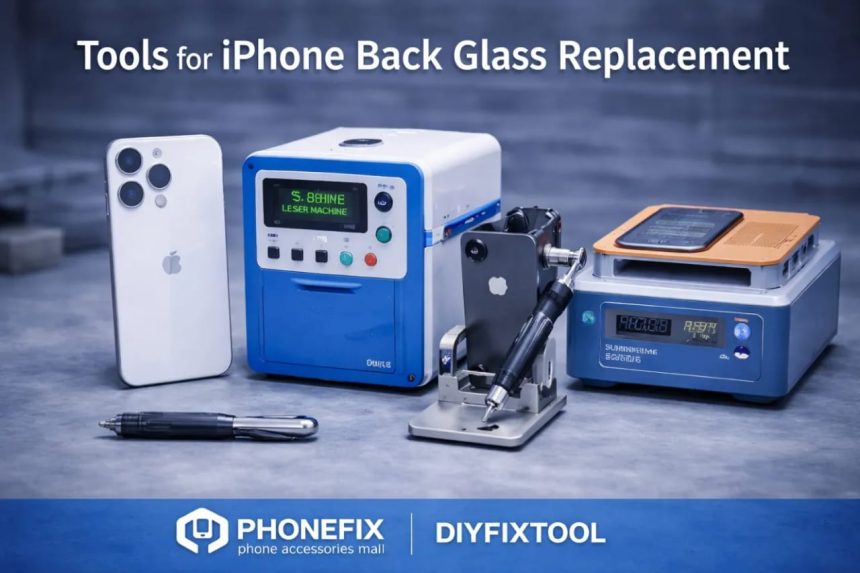
Repairing a cracked iPhone back glass can feel intimidating for individual users, but with the right guidance and tools, it’s entirely achievable at home. For retail customers and DIY enthusiasts, performing an iPhone back glass replacement is cost-effective, empowering, and allows you to gain hands-on knowledge of your device. Using a high-quality PHONEFIX phone repair kit ensures you have all the essential tools needed to complete the repair safely and efficiently.
Whether your back cover is cracked from a drop or scratched from daily use, knowing which tools to use, how to use them, and what common mistakes to avoid can make the process much smoother. This guide provides a complete walkthrough for DIY users, including tool explanations, step-by-step instructions, and tips to achieve professional-quality results at home.
Replacing your back glass yourself saves money, reduces downtime, and gives you control over your device. With patience, proper tools, and careful handling, you can restore your iPhone’s appearance and functionality without visiting a repair shop.
Why DIY iPhone Back Glass Replacement Makes Sense
Replacing your back glass yourself saves money, reduces downtime, and gives you control over your device. With patience, proper tools, and careful handling, you can restore your iPhone’s appearance and functionality without visiting a repair shop.
Many iPhone users wonder, “When my phone’s back cover breaks, should I repair it myself or go to a store?”
For DIY enthusiasts and individual users, the advantages of performing the repair at home include:
- Saving on professional repair costs
- Learning how to handle and maintain their own device
- Completing the repair at their own pace without relying on store hours
Using a trusted repair kit like PHONEFIX ensures that you have the right tools for each step, making your DIY repair safer and more effective.
Essential Tools You Will Need
Gathering the right tools is crucial for a smooth iPhone back glass replacement. Each tool has a specific role and provides clear benefits:
PHONEFIX Phone Repair Kit
A complete phone repair kit provides all the essential tools in one set, saving time and ensuring compatibility with your iPhone. Using a high-quality kit prevents mistakes from using incorrect tools, giving you confidence throughout the repair.
Precision Screwdrivers
Precision screwdrivers are necessary to remove the tiny screws in your iPhone safely. Using the correct screwdriver prevents stripping or damaging screws, which is essential for reassembly and maintaining device integrity.
Plastic Pry Tools
Plastic pry tools help lift the back glass gently without scratching the phone’s surface. Unlike metal tools, they reduce the risk of cracking or chipping the glass while providing controlled leverage during removal.
Suction Cup
A suction cup allows you to lift the back cover evenly and with control. This prevents accidental cracks and helps separate the adhesive without damaging the phone.
Tweezers
Tweezers are essential for handling small components and adhesive residues. They allow precise removal of broken glass shards or tiny parts without risking damage to your iPhone or injuring yourself.
Heat Gun or Hair Dryer
A heat gun or hair dryer softens the adhesive holding the back glass in place. Applying even heat makes the glass easier to lift and reduces the risk of cracking during removal.
Adhesive Strips or Glue
Adhesive strips or glue secures the new iPhone back cover in place. Proper adhesive ensures durability, keeps the cover firmly attached, and prevents it from coming loose over time. By understanding the purpose and benefit of each tool, your repair will be safer, faster, and more precise.
Step-by-Step iPhone Back Glass Replacement
Follow these steps carefully to replace your iPhone back glass:
- Power Off Your Device – Always turn off your iPhone before starting the repair to avoid electrical damage.
- Heat the Back Glass—Use a heat gun or hair dryer to soften the adhesive. Avoid overheating, which could damage internal components.
- Lift the Back Cover—Place a suction cup on the glass and gently lift with a plastic pry tool. Take your time to avoid cracking the glass further.
- Remove Broken Glass Pieces – Use tweezers to carefully remove shards and leftover adhesive. Gloves are recommended for safety.
- Clean the Surface – Ensure no dust or debris remains before installing the new back cover so the adhesive bonds properly.
- Install the New Back Cover—Align the iPhone Back Cover and press gently along the edges.
- Secure with adhesive: Use strips or glue from the PHONEFIX phone repair kit to secure the cover.
- Final Inspection – Check that the cover is flush and secure and that your iPhone powers on correctly.
Question: Can beginners successfully perform this repair?
Answer: Yes. With patience, proper tools, and careful handling, even first-time DIYers can complete the replacement successfully. For heavily shattered glass or internal damage, professional assistance is recommended.
Tips and Common Mistakes to Avoid
To make your repair smoother and prevent errors:
- Work on a clean, well-lit surface to avoid dust and scratches.
- Apply gentle, controlled pressure when lifting or installing the back glass.
- Keep screws and small parts organized to simplify reassembly.
- Test device functionality before securing the back cover with adhesive.
- Follow safety precautions, such as wearing gloves and avoiding direct heat on delicate components
Following these tips ensures a safer, more efficient repair and reduces the chance of damaging your device.
Conclusion
Replacing your iPhone back glass at home is a practical solution for retail customers and DIY enthusiasts. With a PHONEFIX phone repair kit, you have all the tools needed to perform the replacement safely and efficiently.
By following the step-by-step instructions, using the right tools, and applying the tips provided, you can restore your iPhone’s appearance and functionality while saving money. Investing in quality tools like PHONEFIX ensures your DIY repair is professional, safe, and repeatable for future maintenance.