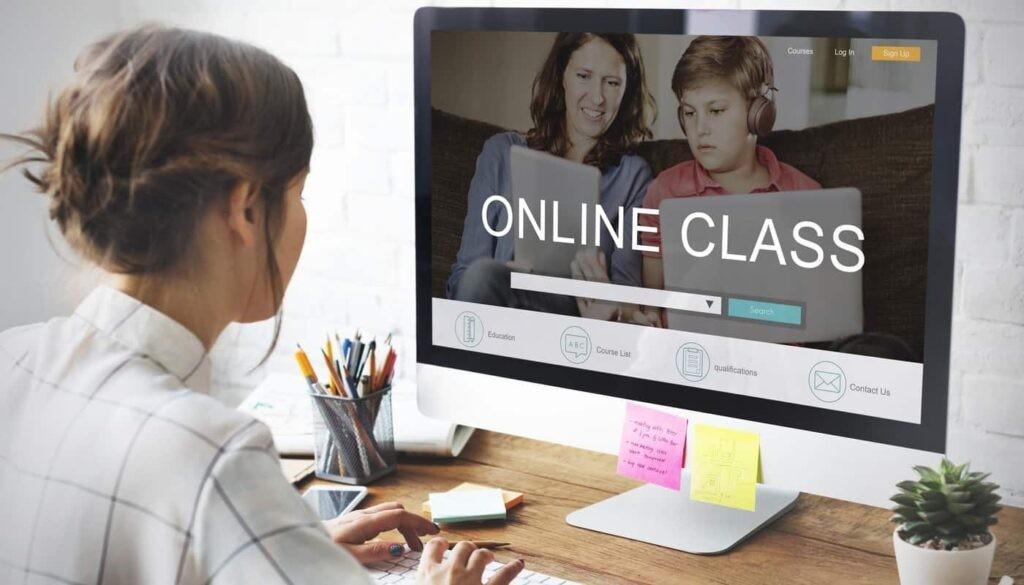
Online learning now runs on video. Students expect lessons they can watch, pause, and replay, and course creators know that a clear explainer often teaches faster than a wall of text. The problem is that recording, editing, and polishing video takes time most teachers do not have. That is where videoany ai comes in: it is an AI video and image generation platform that turns a written prompt into a video, so a teacher can start from lesson notes instead of a camera, a studio, and a long editing session.
At its core, videoany ai brings several image and video models together in a single workspace that runs entirely in a web browser, so there is nothing to install and projects stay synced to the account. A teacher writes an instruction describing the subject, the setting, and the action, chooses a model, and reviews settings such as aspect ratio and resolution before generating. For educators, that simplicity matters, because the goal is a finished lesson video, not a new piece of software to master.
Turning Lesson Notes into Explainers with videoany ai
The most natural classroom use for videoany ai is the short explainer. A lesson on how something works — a science process, a grammar rule, a maths method — can be described step by step in a prompt, and the result is a visual walkthrough students can follow at their own pace. Because the starting point is written text, a teacher can reuse material already prepared for class: notes, slides, or a textbook summary become the script for the video.
Reference images make those explainers stronger, and videoany ai supports workflows that accept a photo or a reference frame alongside the prompt. A teacher can upload a diagram, a map, or a photograph of a classroom experiment and ask for a restyled or animated version rather than describing every detail from scratch. That matters in subjects where the visual itself carries the meaning, from biology diagrams to historical photographs.
Templates are another practical shortcut in videoany ai. A template carries a creative direction and a reusable setup, and the prompt and settings behind it can be inspected before use. A course creator can take a template that fits the subject, adapt the subject, scene, or motion to the lesson, and keep the same look across a whole series of videos, which helps students recognise the course style from the first frame.
How videoany ai Supports Training Videos at Work
Beyond schools, videoany ai fits workplace training, where teams need consistent, repeatable instruction. Onboarding videos, safety walkthroughs, and product introductions all follow the same pattern: a short script, a clear visual, and a single idea per video. Generating those videos from written procedures keeps the message identical for every new starter, and updates are as simple as editing the prompt and generating a fresh version. A short video also gives managers a simple way to check understanding, since the same material can be paired with a quick quiz or a checklist.
The image-to-video workflow inside videoany ai is especially useful for training material. A still image — a product photo, a workplace layout, or a labelled diagram — can be brought into a video workflow as a reference, given a direction for subject action and camera movement, and turned into a moving demonstration. That turns static handouts into demonstrations without filming anything on site.
Settings deserve a moment of thought before generating with videoany ai. Aspect ratio and resolution set the format, and for video, the supported duration matters too. A short vertical clip suits a phone-first revision aid, while a wider format suits a lesson played on a classroom screen. Checking those settings before creating avoids rework, and reviewing the credit estimate beside the create button keeps the cost of a course series predictable.
Practical Tips for Better Course Videos with videoany ai
Good course videos are usually short and focused, and videoany ai works best when each video covers one idea. A five-minute lesson on a single concept will hold attention better than a long lecture that tries to cover a whole chapter. Breaking a course into small, titled videos also helps students find the exact topic they need to revise, and it makes updating one lesson far easier than reworking an entire course. Short videos also load quickly and play smoothly on modest connections, which matters for students who study on shared devices or mobile data.
Reviewing the first result before making more is a habit worth building with videoany ai. The workspace lets creators inspect an output against the original idea, then adjust the prompt, try another available model, or change the settings for the next attempt. For a teacher, that review step is the quality check: does the video actually show the process described, and does it match the wording students will hear in class?
Consistency across a course is the quiet advantage of videoany ai. When every video in a series shares the same visual approach, students spend less time adjusting to a new format and more time on the content itself. A creator can reuse prompts, settings, and reference images from earlier lessons, so the tenth video in a course looks like it belongs with the first, even if the topics are completely different.
Starting small is the sensible way to begin with videoany ai. Pick one lesson that students often find difficult, turn its notes into a short explainer, and see how the class responds before building a full series. If the video helps even a few learners grasp the idea faster, the approach is worth repeating, and you can explore what videoany ai can do for your next lesson, your next course, and your next training session.